Features / LAB
Test an idea on every finished session, then let the chart watch for it.
Type the idea the way you would say it out loud. LAB compiles it into a rule, runs it over every finished SPX session against the idea's own core condition, out of sample, and shows every variant it tried. A rule you keep goes to the desk: it draws on the chart in your colour, live, on history and in playback, and can alert when it triggers. Most ideas do not clear the bar, and LAB says so.
LAB credits: developing an idea is free, a backtest or an optimize pass is one credit, the desk is free once an idea is tested. LIVE includes 5 credits a month.
The problem
A pattern that looks real on three charts is usually noise on three hundred, and a rule you trust still needs watching.
- Testing a rule by hand means building the data, the cost and the baseline yourself, and few people do all three.
- A backtest that compares a rule with doing nothing flatters every rule that trades in a rising market.
- Tuning a threshold until the curve looks good finds the luckiest setting, not a better rule.
- A rule tested in a spreadsheet still has to be watched by eye during the session, with thresholds retyped into another tool.
With LAB
Plain words in, an honest verdict out, and the same rule on your chart.
LAB compiles your words into conditions on the archive's own columns, measures the move over the next 5, 15 or 30 minutes after a cost, and judges it against the core condition alone, this year and over the last 40 sessions. An optimize pass shows every variant with a deflated Sharpe and an overfitting check. A rule you add to the desk draws its entry marks, simulated trades, zones or threshold rails on the chart, with the formula the backtest used, and can sound or push an alert when it triggers.
How it works
Step by step
-
01 / 04
Describe the idea in plain words
Press LAB in the top bar and type the idea the way you would say it. LAB answers with the rule it understood, its thresholds, horizon and cost, or one question when it cannot compile yet.
Read more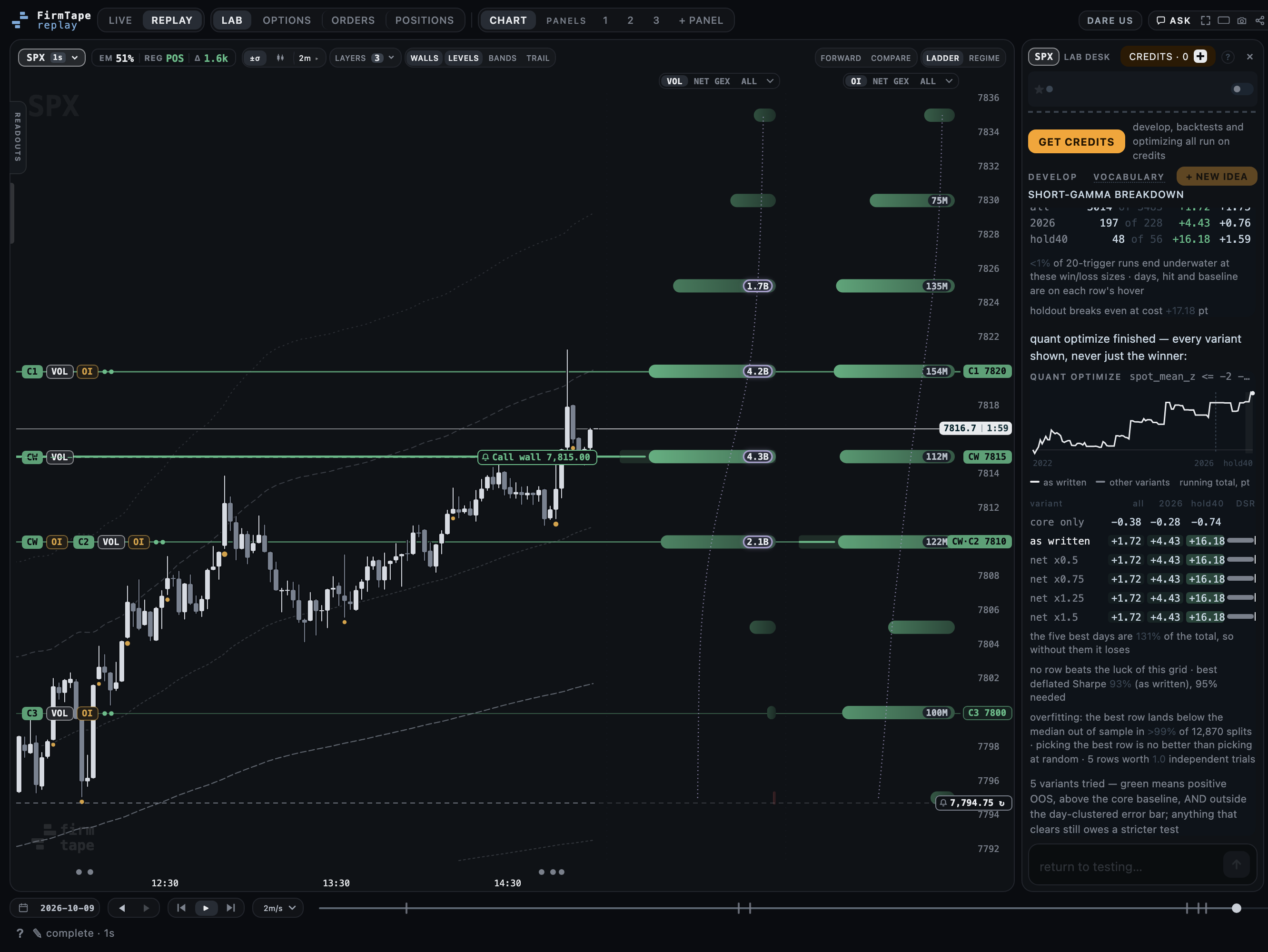
-
02 / 04
Backtest against an honest baseline
BACKTEST runs the rule over every finished session and returns the gates passed and the era table: all sessions, this year and the last 40, against the idea's own core condition.
Read more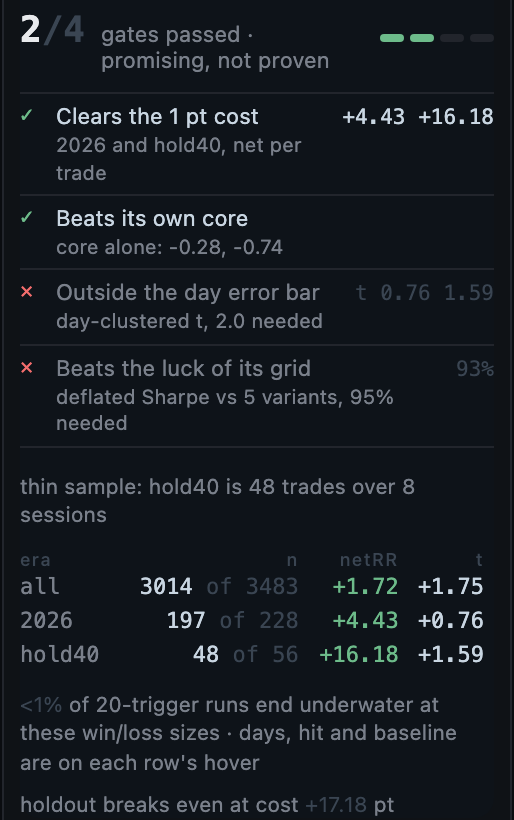
-
03 / 04
Optimize, and see every variant
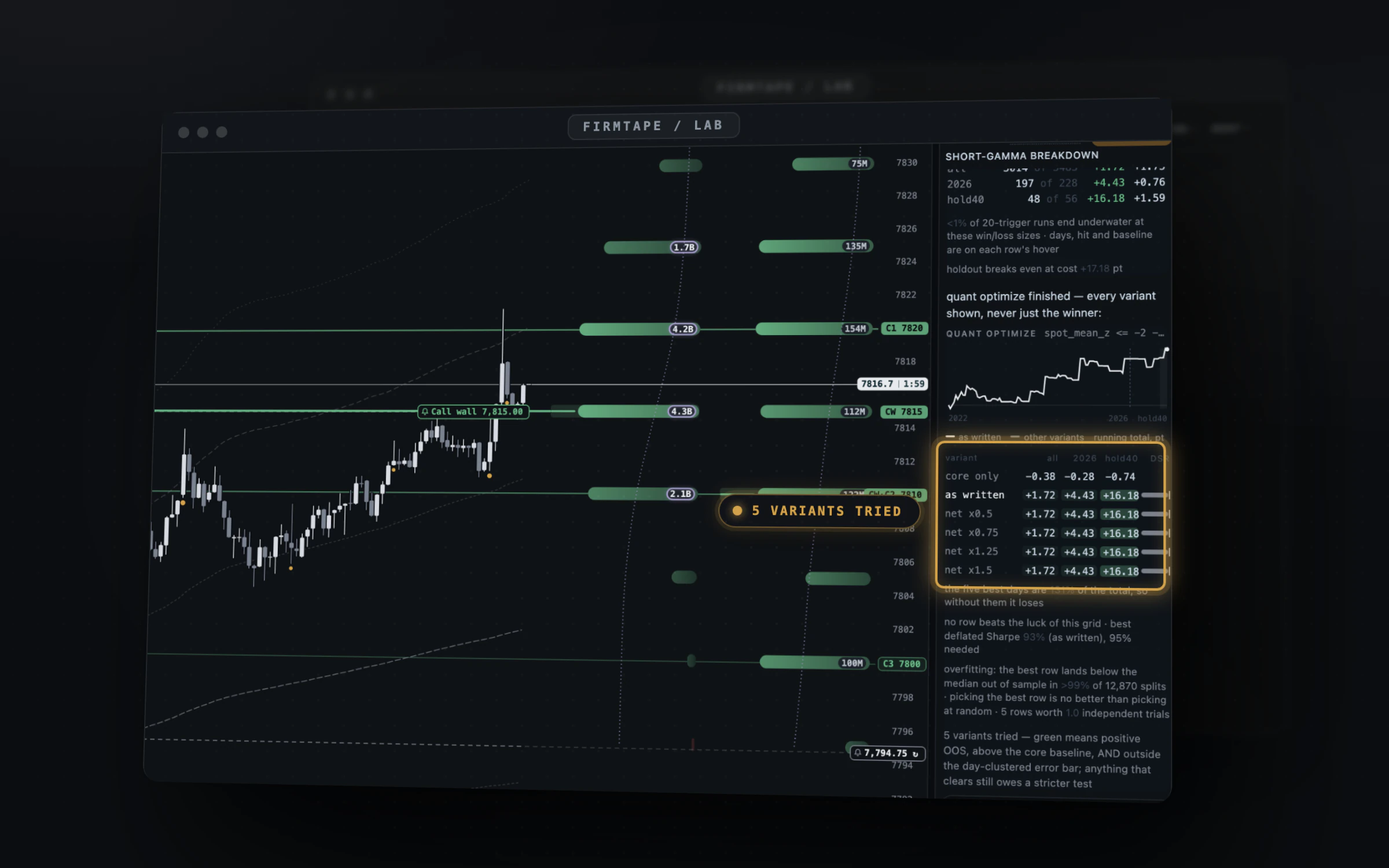
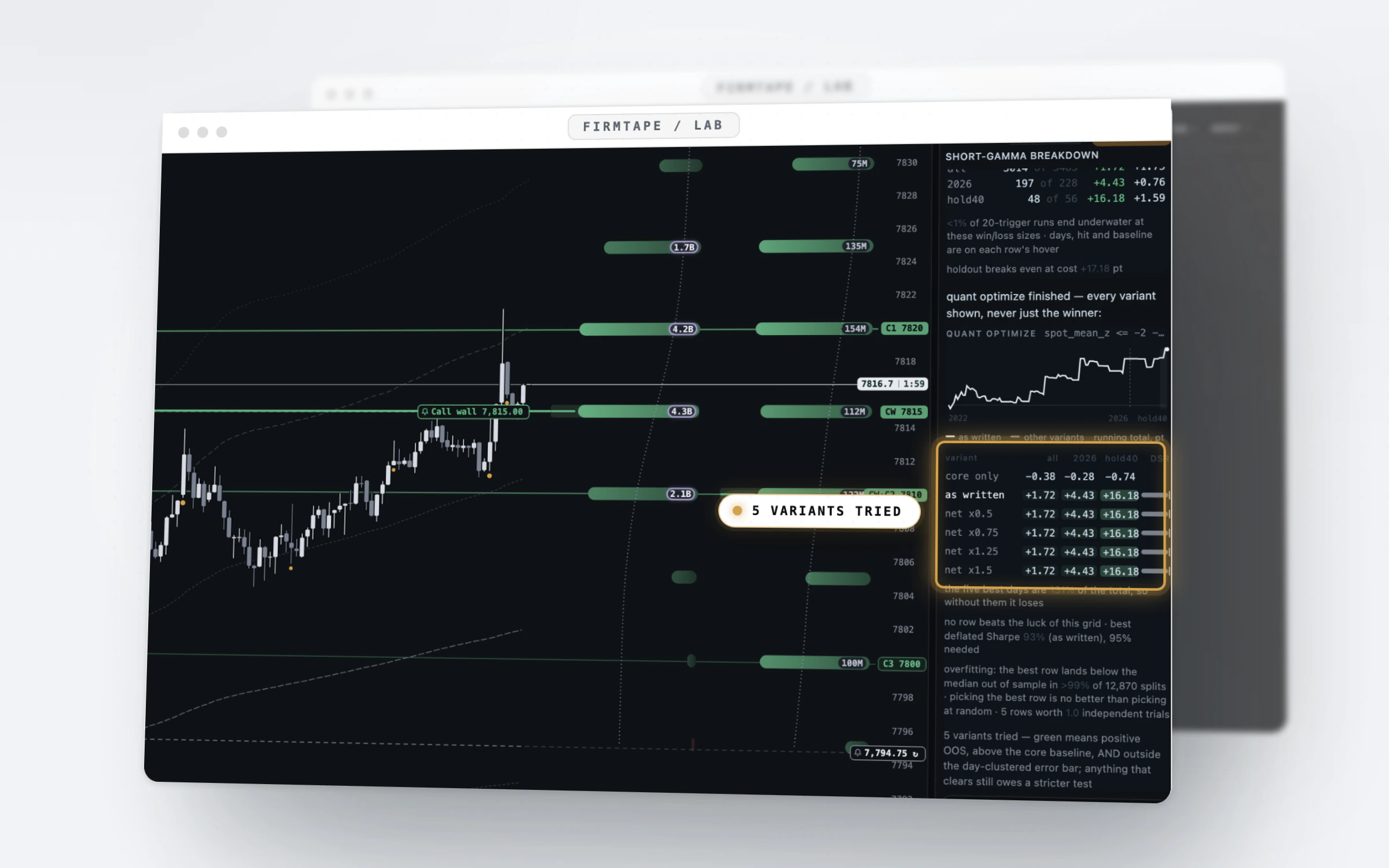
OPTIMIZE sweeps the thresholds and draws every variant against the rule as written, with its deflated Sharpe and the overfitting check over thousands of splits.
In the guide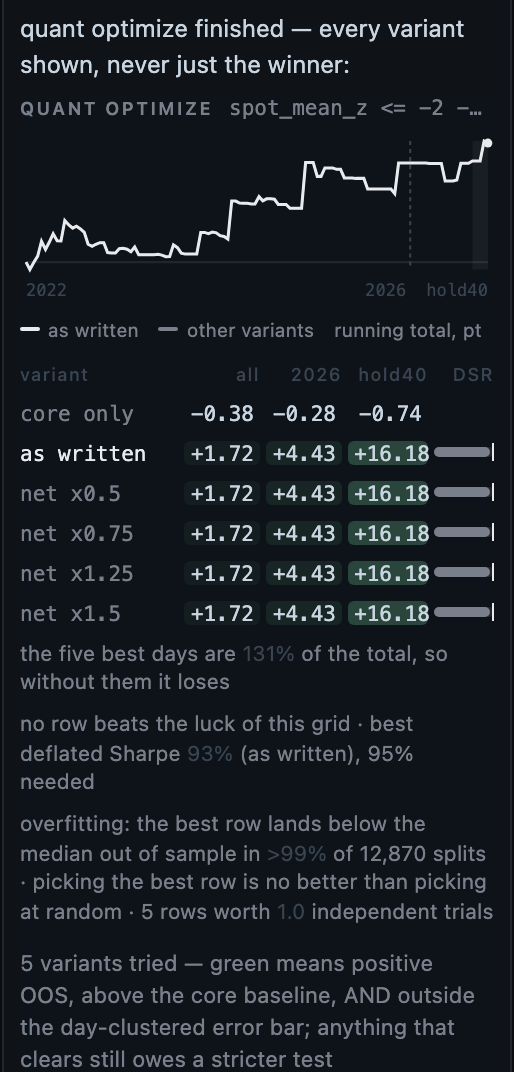
-
04 / 04
Put it on the desk
ADD TO DESK keeps the rule. Its switch draws it on the chart in your colour, live, on history and in playback, with the same formula; its settings arm a sound or push alert.
In the guide
Capabilities
What you can do with LAB
Plain words in
Describe the idea as you would say it; LAB compiles it into exact conditions and asks when it cannot.
Read moreEvery variant shown
Quant optimize draws them all against the rule as written, with a deflated Sharpe and an overfitting estimate.
In the guide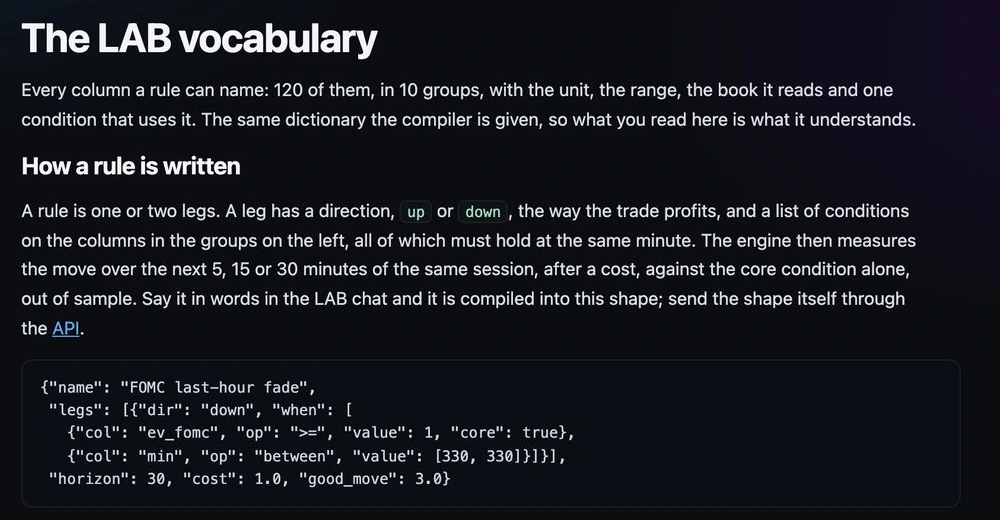
A dictionary of the archive
120 columns a rule can name, each with its unit, range and book.
In the guide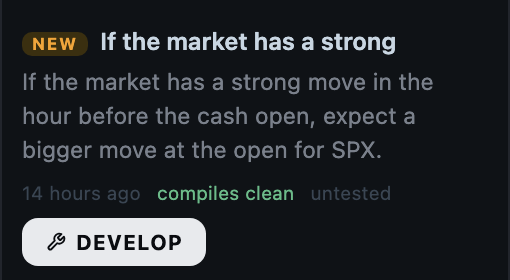
Ideas to start from
The idea feed collects rule-shaped ideas from public posts, untested; DEVELOP loads one into the desk.
In the guide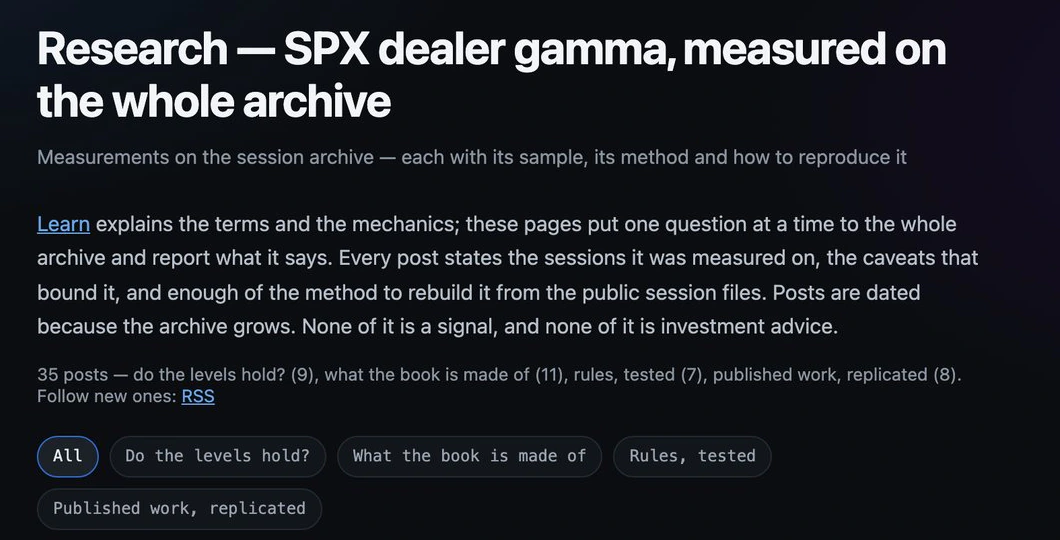
The published evidence
Dated research posts put one question at a time to the whole archive, null results included.
In the guideOn your chart, with alerts
A rule you keep draws marks, simulated trades, zones or rails, live and in playback, and alerts when it triggers.
In the guideEvery feature
Everything in LAB
9 features · 5 groups. Each one is written up in the LAB guide.
Describe an idea 3
- The LAB desk and the backtestFind out whether a pattern is real by describing it in plain words and pressing BACKTEST.
- The LAB vocabularyWrite rules the compiler understands by checking every column in the vocabulary, with its unit, range and book.
- The idea feedStart from someone else's idea by pressing DEVELOP on a card in the idea feed.
Backtest and optimize 1
- Quant optimizeSee whether a rule's thresholds matter by running OPTIMIZE, which shows every variant, never only the winner.
Put it on the chart 2
- The desk on the chartWatch a tested rule on the chart by adding it to the desk and switching it on.
- Desk alertsHear when a tested rule triggers by arming a sound or push alert on its desk idea.
Credits and tokens 2
- Credits and tokensPay only for tests by spending credits, from a pack or the monthly plan, and keep a token for scripts.
- LAB from a scriptRun ideas from your own code by sending them to the same conveyor over HTTP with a LAB token.
Read the evidence 1
- Published researchCheck the evidence behind every reading by opening the dated research posts on the whole archive.
What it gives you
Why it is worth a place on your screen
A verdict on the whole archive
Every finished SPX session, minute by minute, with the dealer books, the levels and the calendar as columns a rule can name.
One formula from test to chart
The desk draws and alerts with the same rule the backtest scored, so what you watch live is what you tested.
A guard against your own hope
The baseline is the idea's own core, the error bar is measured across sessions, and the luck of the grid is priced in.
LAB credits: developing an idea is free, a backtest or an optimize pass is one credit, the desk is free once an idea is tested. LIVE includes 5 credits a month. Plans and prices.
Add to LAB
Add to LAB: LAB credit packs, OPTIONS archive run
Works with
LAB with the rest of FirmTape
LIVE: Alert lines
Desk alerts sit beside the alert lines and level alerts: one for a rule you tested, the others for a price or a level.
LIVE: The archive run
The OPTIONS archive run tests a structure over past sessions on real quotes with the same credits.
REPLAY: MCP server
An AI assistant can drive LAB through the MCP server with your Lab token.
FAQ
Questions about LAB
- Does LAB tell me what to trade?
- No. It measures a rule you describe. The verdict says whether that rule cleared its cost and its baseline out of sample; most do not.
- Which symbol does LAB test on?
- SPX. It tests on the finished SPX sessions, and no other symbol has an archive that long yet.
- How far ahead does a rule look?
- 5, 15 or 30 minutes inside the same session. LAB holds nothing overnight and does not price multi-day spreads.
- What is the baseline?
- The idea's own core condition alone, never doing nothing. A filter has to add something to the core to pass.
- What does it cost?
- Developing an idea in the chat is free. A backtest or an optimize pass is one credit; a failed job refunds its credit. See pricing for packs and the monthly plan.
- What does the desk draw?
- A tested rule in your colour: entry marks, simulated trades with their horizon, the zones where its core held, or its threshold rails. It draws on the live session, on any finished day and in playback, with the formula the backtest used.
- Are the desk's marks trade calls?
- No. A mark is where the rule's conditions were met, measured. The trades drawn are simulated: the rule's own horizon from its entry, nothing more.
- Are my ideas private?
- Yes. Ideas belong to your account and are visible to nobody else.
What it does not do
- It does not promise an edge: a rule that passed is a rule that owes a stricter test, not a strategy.
- It does not name a best variant: with many variants the best one is best partly by chance.
- It does not test overnight holds, multi-day spreads or symbols other than SPX.
- It does not place orders: the desk draws and alerts, it never trades.
Test an idea on every finished session, then let the chart watch for it.
Test an idea on the full archive, then watch it draw and alert on the live chart